
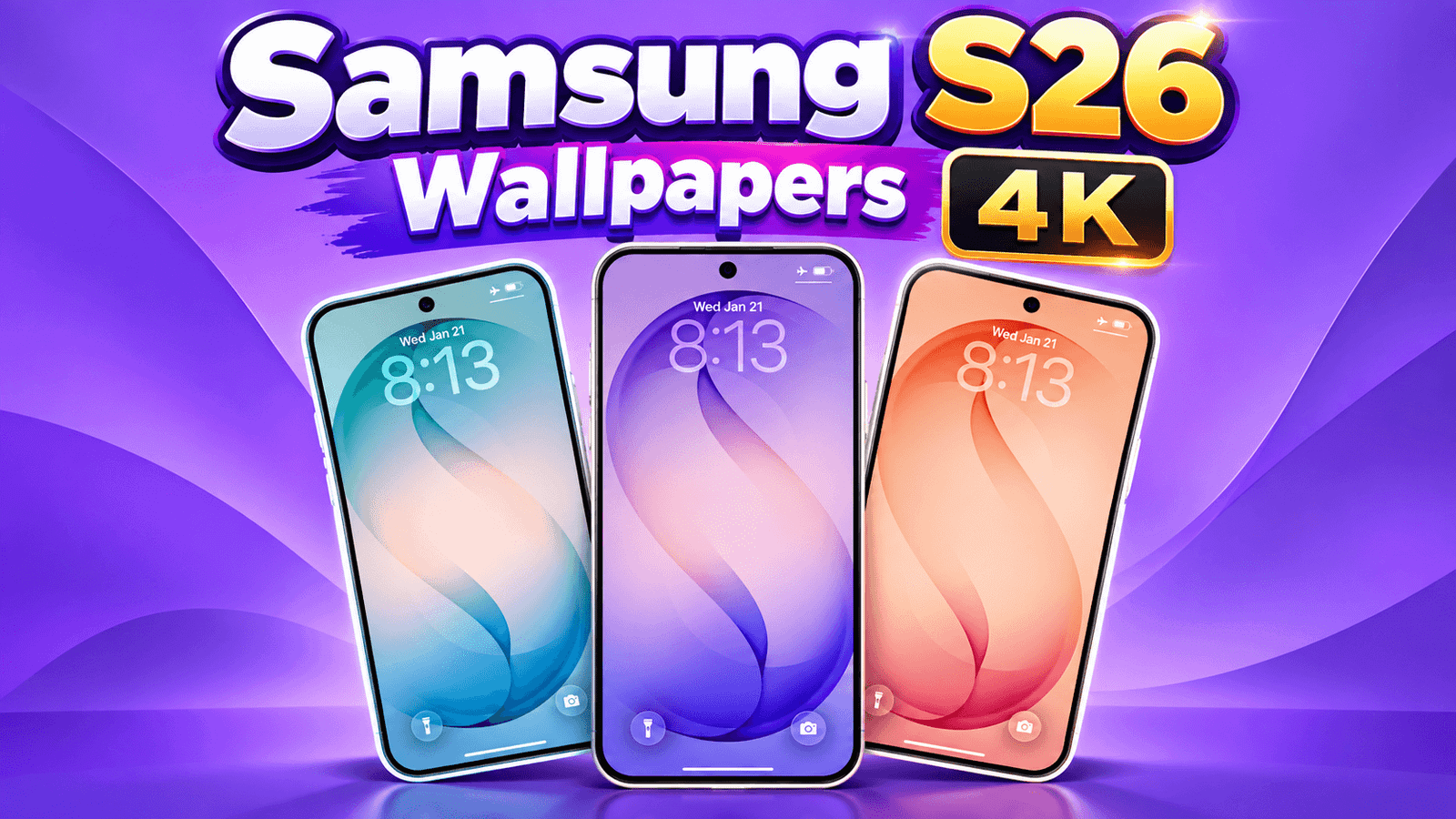
Samsung makes one of the best screens on the planet, and most people leave the default wallpaper on it. That’s a waste of a very good display.
I made 12 wallpapers for the Galaxy S26 series: pure AMOLED blacks, deep violets, aurora blues and a few clean light options. All free, all high resolution, no watermarks, and no sign-up.
Tap any wallpaper to see it full size, then press and hold to save it.
Download the Wallpapers
- Cosmic Black Minimal
- Deep Violet Waves
- Blue Aurora Flow
- Pure AMOLED Black
- Emerald Green Abstract
- Soft Grey Marble
- Sunset Gradient
- Neon Purple Lines
- Dark Carbon Fibre
- Ocean Blue Depth
- Clean White Minimal
- Midnight Galaxy
Which Galaxy Phones Do These Work On?
These are sized for the Galaxy S26 Ultra, which has a 6.9-inch display at 1440 x 3120 pixels (QHD+).
The lineup launched in February 2026 with three models: the Galaxy S26, Galaxy S26+ and Galaxy S26 Ultra. A fourth model, the Galaxy S26 FE, was announced in August 2026.
Here’s how they fit:
- Galaxy S26 Ultra (6.9″, QHD+) — perfect fit, no cropping.
- Galaxy S26+ (6.7″) — also QHD+ at 3120 x 1440, so these fit beautifully.
- Galaxy S26 (6.3″) — this one uses a Full HD+ display at 2340 x 1080, so your phone scales the wallpaper down. It still looks sharp, because downscaling never hurts quality.
- Galaxy S26 FE — same deal, just pinch to position it the way you like.
They’ll also work on older Galaxy phones, including the S25, S24 and S23 series, since the screen shape barely changed.
Why Dark Wallpapers Belong on This Phone
The whole S26 lineup uses Dynamic AMOLED 2X displays, and this matters more than people realise.
On an AMOLED screen, black pixels are switched off completely instead of being lit up. So a genuinely black wallpaper uses less power than a bright one, and it also gives you that “infinite black” look where the wallpaper melts into the bezel.
That’s why I included Pure AMOLED Black and Cosmic Black Minimal in this set. If you want the cleanest possible look with the best battery behaviour, start with those two.
Match the Wallpaper to Your Phone
Dark and black designs suit every colour and keep your app icons easy to read.
Violet and purple designs look excellent if you have one of the darker finishes, and they pair well with One UI’s colour palette feature.
Blue and aurora designs are the safest “looks good to everyone” choice, and they work especially well on the always-on display.
Light and marble designs feel calm and minimal, though remember that light wallpapers make white app icons harder to see.
How to Set a Wallpaper on Galaxy S26
Step 1: Tap a wallpaper above to open it full size, then press and hold and choose Download image.
Step 2: Press and hold on an empty part of your home screen.
Step 3: Tap Wallpaper and style.
Step 4: Tap Change wallpapers, then Gallery, and pick the image you saved.
Step 5: Choose whether to apply it to the home screen, lock screen, or both, then tap Done.
Three One UI Settings Worth Checking
Turn off the home screen blur. Samsung blurs your home screen wallpaper by default, which is why it often looks washed out compared to the lock screen. In Wallpaper and style, turn the blur off and the wallpaper will look exactly as intended.
Check the colour palette. One UI can pull colours from your wallpaper and apply them to your icons and menus. Sometimes it looks great, sometimes it turns everything purple. Try it both ways.
Use a dark wallpaper with dark mode. If you run dark mode and pair it with a black wallpaper, the whole phone feels like one continuous piece of glass.
Tips Before You Download
Always save from this page. Images forwarded through WhatsApp arrive compressed, which is the single most common reason a wallpaper looks blurry on screen.
Don’t zoom in too far. Over-zooming softens the image, especially on the S26’s sharp QHD+ panel.
Save a few. Rotating wallpapers every couple of weeks keeps the phone feeling new, and it costs nothing.
Frequently Asked Questions
Are these Galaxy S26 wallpapers free?
Yes, all 12 are completely free. No sign-up, no app, no watermark.
Will these work on the S26 Ultra and S26 Plus?
Yes. Both use a QHD+ display, so these fit perfectly.
Do you have the official Samsung stock wallpapers?
No, and I won’t host those, because Samsung’s own wallpapers are copyrighted. Everything on this page is my own original design, which is exactly why you can use it freely.
Can I use these on an iPhone?
Yes. They’re tall images, so they work on iPhones too, you may just need to reposition slightly.
Why does my wallpaper look blurry?
Either you zoomed in too far, or you saved a compressed copy from a messaging app. Download it again directly from this page.
Will you add more Galaxy wallpapers?
Yes, regularly. Bookmark this page and check back.
Final Thoughts
The Galaxy S26’s screen is genuinely one of the best around, and a good wallpaper is the easiest way to show it off. Grab a pure black one if you want the cleanest look and the best battery behaviour, or a violet or aurora design if you want some colour.
Which one did you pick? Tell me in the comments, and if you want a specific colour, ask and I’ll make it for the next set.
Looking for more? I also have iPhone 17 Pro Max wallpapers and a full wallpaper collection for other phones.