
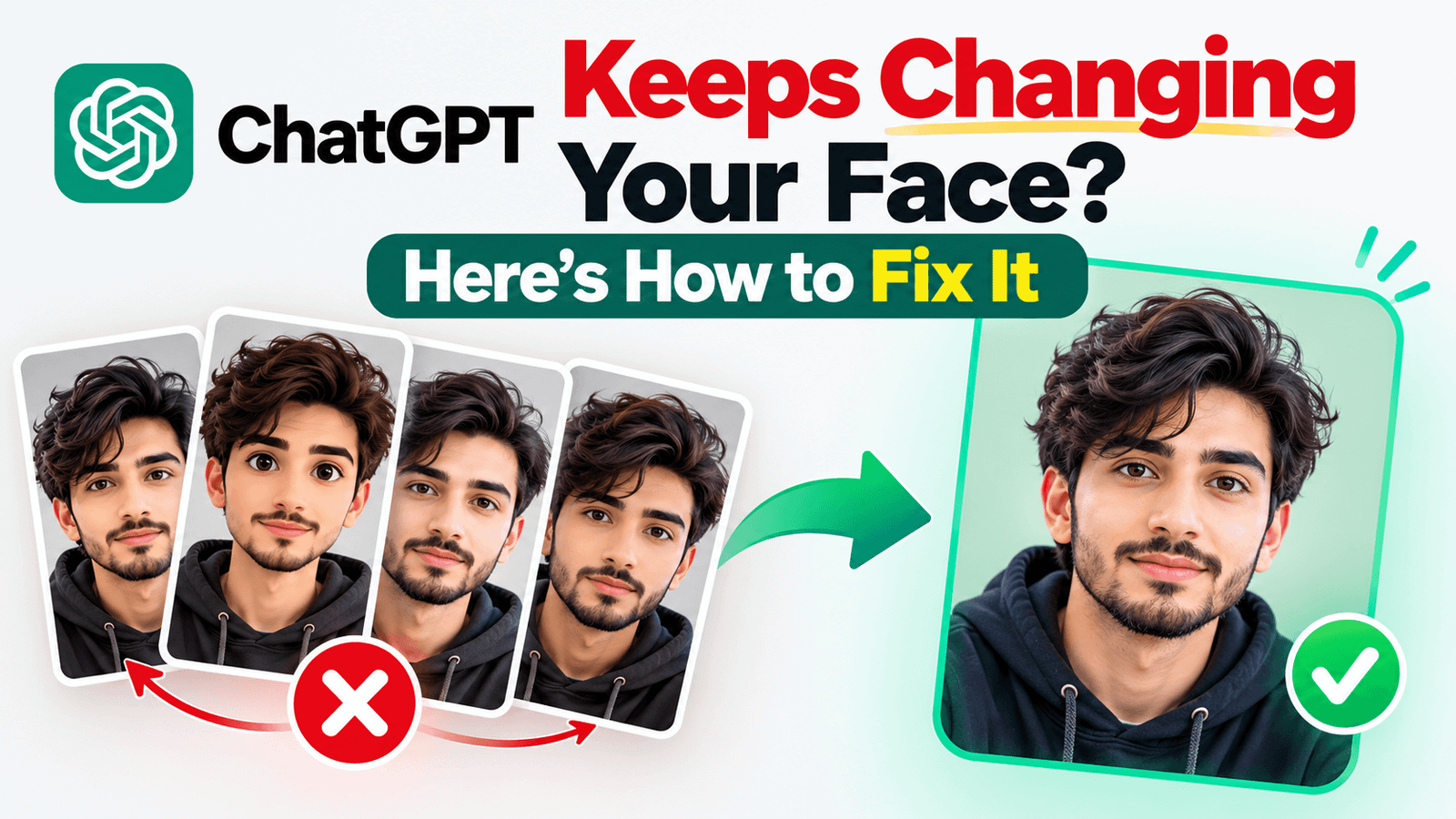
You upload your photo, ask for a studio portrait, and what comes back is a good-looking stranger. Different nose, different jaw, smoother skin, and somehow five years younger.
It’s the most annoying thing about AI photos, and it happens to everyone.
The main reason is simple: these models don’t edit your photo. They look at it and then draw a brand new image from scratch. Every time they redraw, they drift a little further from your actual face, unless you tell them not to.
So here’s the fix. One setting you change once, plus four habits that do most of the heavy lifting.
If you came here from my video, the prompt is below with a copy button.

Step 1: Add This to Custom Instructions
Custom Instructions are a set of rules ChatGPT follows in every chat, so you only have to write this once instead of repeating it in every conversation.
On mobile: open ChatGPT, tap the three dots at the top, go to Personalization, then Custom Instructions.
On desktop: click your profile picture, then Personalisation, then Custom Instructions.
Paste the text below into the box that asks what ChatGPT should know about you, or the one about how it should respond. Either works.
When I upload my photo and ask you to generate, edit or restyle an image of me:

1. My photo is the only source of truth for my appearance. Keep my face shape, jawline, eyes, nose, lips, smile, skin tone, hairline, hairstyle, facial hair and body type exactly as they are. Never beautify, slim, lighten, age or "improve" me.

2. Change only clothing, background, lighting, pose and camera angle. Never change my facial features unless I explicitly ask.

3. Keep realistic skin texture with natural pores and marks. No heavy smoothing or plastic finish.

4. Keep my appearance identical across every image in the same chat unless I ask for a change.

5. Keep the same camera angle as my photo unless I request otherwise.

6. If my photo is too dark, blurry or low quality to preserve my likeness, say so in one line and tell me what photo would work better, instead of inventing a face that is not mine.
Save it, and that’s the setting done.

Being Honest About What This Does
I’m not going to oversell it, because you’ll find out in five minutes anyway.
Custom Instructions make ChatGPT more consistent, not perfect. They stop the model from quietly “improving” your face, from smoothing your skin into plastic, and from changing details you never asked it to touch. That alone fixes a lot of bad results.
But they don’t lock your face the way a dedicated face-swap tool does. The four things below matter just as much, and honestly the first one matters most of all.
The Four Things That Actually Matter
1. Your photo decides everything
A blurry selfie taken at night gives you a blurry version of someone else. There’s no prompt in the world that fixes a bad source photo.
Use a photo that is:
- Front-facing, looking at the camera
- Well lit, ideally daylight or soft indoor light
- Sharp, with your face taking up a decent part of the frame
- Unobstructed, so no sunglasses, no cap shadowing your eyes, no hand on your chin
If your results are bad, change the photo before you change the prompt. Nine times out of ten that’s the problem.
2. Fix it in the same chat, don’t start over
This is the habit most people get wrong. The image comes back looking off, so they open a new chat and try again from zero.
Don’t. Reply in the same conversation:
“Keep everything the same, but make the face exactly like my original photo. Only change the clothes and background.”
The model has your photo and the previous attempt in front of it, so corrections work far better than starting fresh.
3. Ask it to edit, not to create
There’s a real difference between these two requests:
- “Make a professional portrait of me” → the model invents a new image
- “Edit my uploaded photo. Keep my face unchanged and replace the background with a studio backdrop” → the model stays anchored to your photo
The second wording gives you a much better hit rate. Use words like edit, keep, preserve and unchanged.
4. Keep the angle and framing simple
Dramatic angles, extreme close-ups and heavy side profiles all force the model to invent parts of your face it can’t see. Front-on, waist-up or chest-up framing stays closest to your real appearance.
One thing I want to make clear from my own experience: this prompt does not guarantee 100% that your face will remain exactly the same every time. AI can still make mistakes and sometimes change small details, but this instruction helps ChatGPT understand that face identity and consistency are important, which can significantly improve the chances of keeping your original facial features consistent across different images.
When It Still Goes Wrong
The face looks like a relative of mine, not me. Upload a second photo of yourself from a slightly different angle in the same chat. Two reference photos give the model much more to work with.
The skin looks like plastic. Reply asking for realistic skin texture with natural pores and no retouching. The custom instruction covers this, but a direct reminder helps.
It changed my beard or hairstyle. Say exactly what’s wrong: “Keep my beard the same length as in my photo.” Specific beats general every time.
Every attempt looks different. You’re probably generating from scratch each time. Pick the closest result and refine that one with follow-up messages instead.
Frequently Asked Questions
Does this work on the free ChatGPT plan?
Yes. Custom Instructions are available on free accounts, though image generation has daily limits.
Will this work in Gemini or other AI apps?
The instruction text works anywhere you can set system or custom instructions. Gemini has a similar personalisation setting. The four habits above work in every tool.
Do I need to repeat the prompt in every chat?
No, that’s the whole point of Custom Instructions. Set it once.
Will this stop the face changing completely?
No, and anyone promising that is selling something. It makes results much more consistent, and the four habits above do the rest.
Can I edit the instruction?
Yes. If you don’t want it changing your clothes either, add that as a rule. It’s written in plain English for exactly that reason.
Final Thoughts
The single biggest upgrade is unglamorous: use a better source photo. After that, set the custom instruction once, and get into the habit of correcting results in the same chat instead of starting over.
Do those three things and your AI portraits will finally look like you.
Want prompts to try this with? I’ve got a full set of free AI portrait prompts that already include the face-preservation wording, plus the ChatGPT studio photo prompt if you want a creator studio look.
Tell me in the comments whether this fixed it for you, and if it didn’t, describe what’s going wrong and I’ll help.