
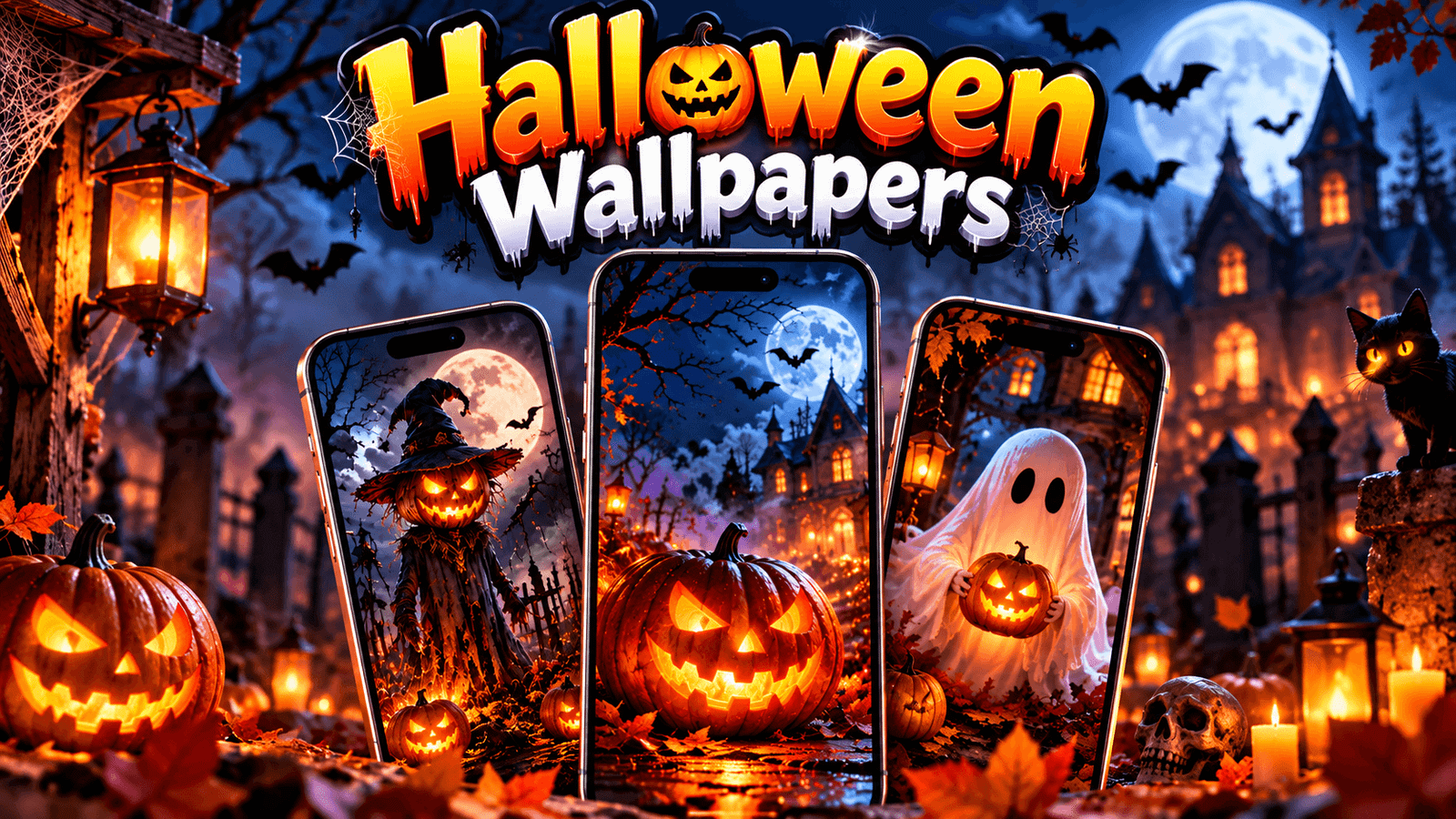
It’s October, which means two things. Shops are suddenly full of plastic skeletons, and everyone wants a pumpkin on their phone screen.
I made 15 Halloween wallpapers this year. Some are cute, the kind with little smiling ghosts. Some are properly spooky, with fog and a graveyard. And six of them are widescreen, because people kept asking for Halloween desktop wallpapers and I only ever made phone ones.
All free. No sign-up, no watermark, nothing to install.
Download the Wallpapers
Halloween Phone Wallpapers (iPhone and Android)
Nine vertical wallpapers sized 1290 x 2796, from cute to properly spooky. Tap any one to see it full size.
- Cute Ghost Friends
- Pumpkin Patch Night
- Pastel Pumpkins
- Haunted House Moon
- Black Cat Silhouette
- Spooky Forest Fog
- Candy Corn Pattern
- Witch Hat Minimal
- Dark AMOLED Pumpkin
Halloween Desktop Wallpapers (PC and Laptop)
Six widescreen wallpapers in 4K (3840 x 2160) for your computer, laptop or second monitor.
- Misty Graveyard
- Glowing Jack-o-Lanterns
- Bats Over The Moon
- Cosy Autumn Porch
- Purple Haunted Sky
- Minimal Spider Web
Cute or Spooky? Pick Your Side
Every year the same split happens.
Half of you want cute Halloween wallpapers. Pastel pumpkins, friendly little ghosts, candy corn. Nothing scary, just the fun side of the season. The Cute Ghost Friends and Pastel Pumpkins ones are for you.
The other half want it dark. Fog, a full moon, a black cat on a fence. That’s the aesthetic Halloween wallpaper crowd, and honestly those are my favourite to make. Haunted House Moon and Spooky Forest Fog came out really well this year.
And then there’s a third group that just wants a pumpkin without the whole haunted village. Minimal Witch Hat is for them.
No wrong answer here. I usually run a cute one for the first half of October and switch to something darker as the 31st gets closer.
For Your Phone
The first nine are vertical, sized 1290 x 2796 pixels.
That’s the native size for the bigger Pro Max iPhones, but don’t worry if you have something else. Smaller iPhones scale them down, which never hurts quality. Same for Android. Galaxy, Pixel, Xiaomi, whatever you’ve got, it’ll fit, you might just pinch a little to reposition.
One thing worth knowing: the dark AMOLED pumpkin one is a real battery saver if your phone has an OLED screen. Black pixels are switched off completely on those screens rather than lit up. It’s not a massive difference, but it’s free, so why not.
For Your Computer
The last six are 4K widescreen, 3840 x 2160 pixels.
These work on pretty much any laptop or monitor, including 1080p screens, because a 4K image scaling down to 1080p looks great. The other way round, 1080p stretched to 4K, looks awful. That’s why I make them big.
If you have two monitors, grab two different ones. Misty Graveyard on one screen and Glowing Jack-o-Lanterns on the other looks brilliant.
How to Set Them
On iPhone: tap a wallpaper above, press and hold, then Save to Photos. Then Settings → Wallpaper → Add New Wallpaper → Photos, pick it, pinch to position, and tap Add.
On Android: tap and hold the image, choose Download image, then long-press your home screen → Wallpaper and style → Gallery.
On Windows: click the wallpaper, right-click, Save image as. Then right-click your desktop → Personalise → Background → Browse photos.
On Mac: save the image, then System Settings → Wallpaper → Add Photo.
Two Small Tips
Turn off the home screen blur. Both iPhone and Samsung blur your home screen wallpaper by default, which flattens all the nice dark colours. On iPhone it’s in Settings → Wallpaper → Customise. On Samsung it’s in Wallpaper and style. Takes five seconds and makes a real difference, especially with the foggy ones.
Don’t download these through WhatsApp. If a friend sends you one, it arrives squashed and soft. Send them this page instead. Sounds like I’m being precious about it, but compressed wallpapers genuinely look bad on a sharp screen.
Frequently Asked Questions
Are these free?
Yes. All 15, no sign-up, no watermark.
Can I use them on my Android phone?
Yes, the nine vertical ones work on any phone. Just pinch to adjust if your screen is a different shape.
Will the desktop ones work on my 1080p laptop?
Yes. They’re 4K, so your laptop just scales them down and they stay sharp.
Can I post one on Instagram or use it for my story?
Go for it. Just don’t sell them or claim you made them, that’s the only rule.
Why does mine look blurry?
Usually because you zoomed in too far, or you saved a copy from a messaging app. Download it again from here.
Will you make Christmas ones?
Yes, those go up in late November. Same deal, free, phone and desktop.
One Last Thing
Honestly, the best one in this set is Haunted House Moon. I nearly left it out because I thought it was too dark for a phone, then I set it on mine and haven’t changed it since.
Tell me in the comments which one you went with. And if you want something specific, like a particular colour or a cute one with a certain character, just ask. I still have a few weeks before Halloween to make more.