
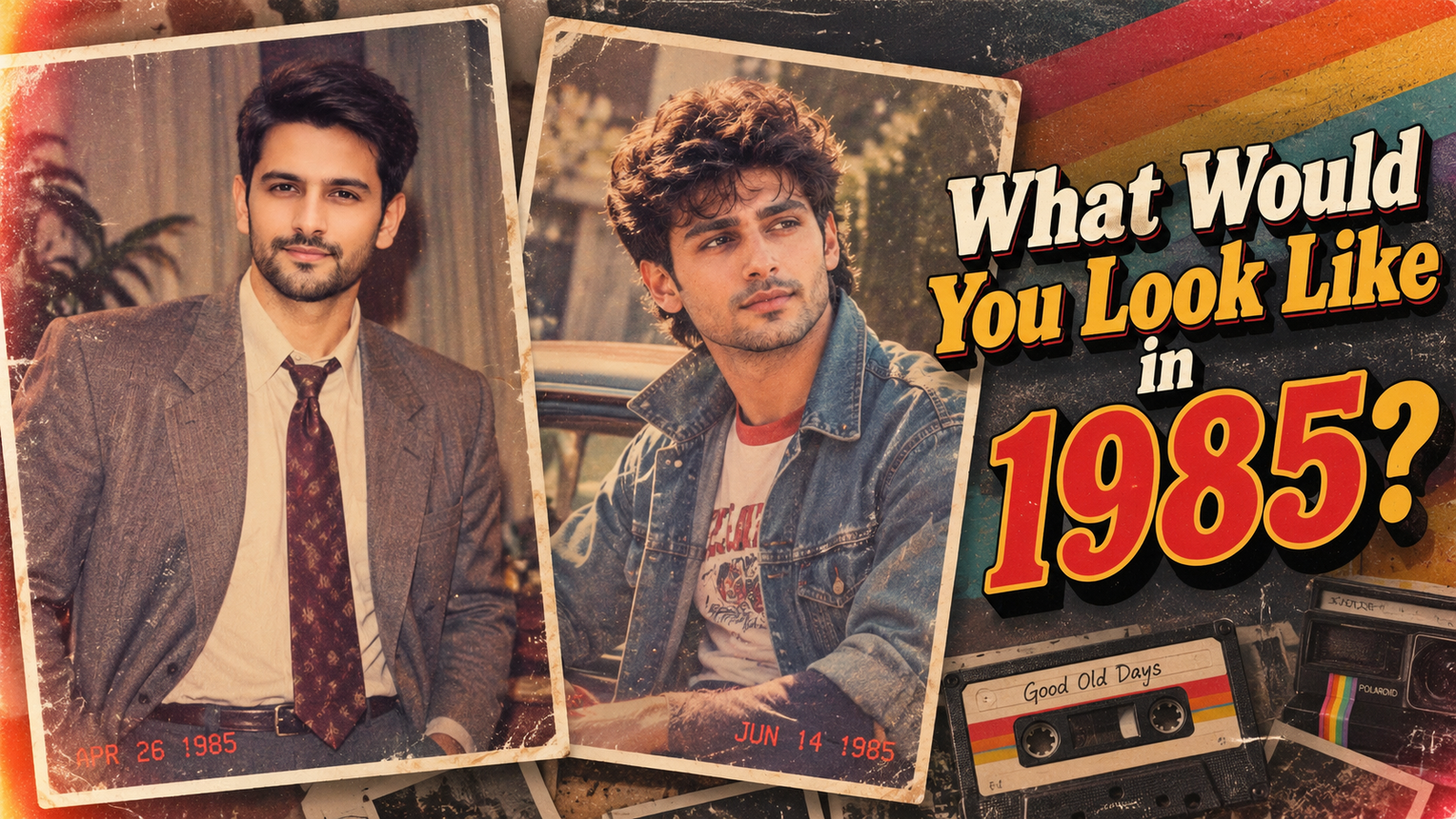
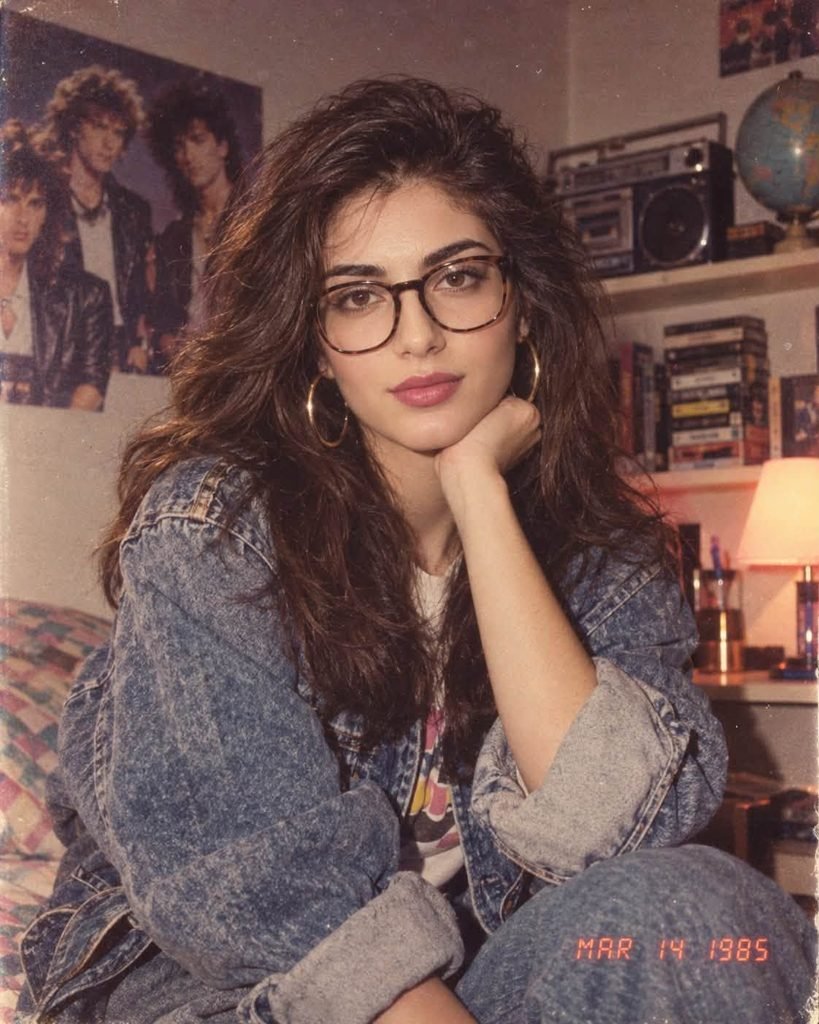
If you’ve been scrolling Instagram or TikTok lately, you’ve probably seen people posting pictures of themselves “back in 1985.” Some of them look so real that you’d swear they were pulled out of an old family album. The funny part? Most of those people weren’t even born in 1985.
It’s all AI. And the good news is you can make one yourself in about two minutes, for free, using ChatGPT.
In this post, I’ll give you the exact prompt I use, show you how to use it step by step, and share a few fixes for the most common problems, like when the AI decides to give you someone else’s face.
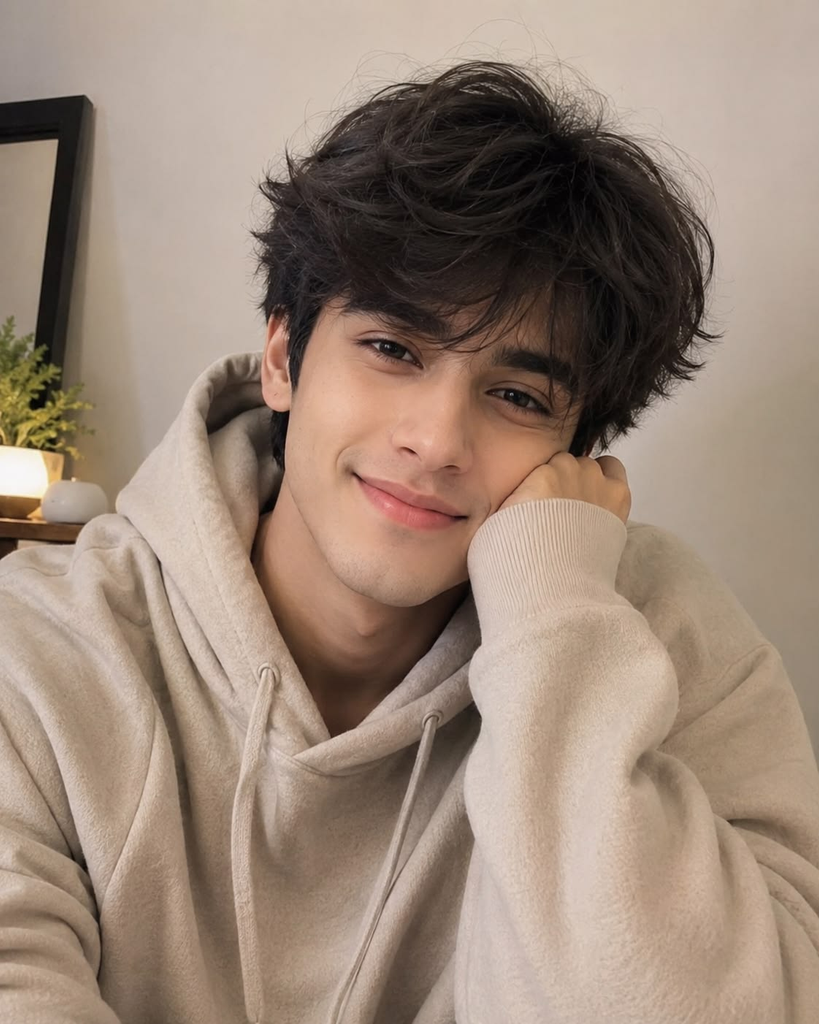
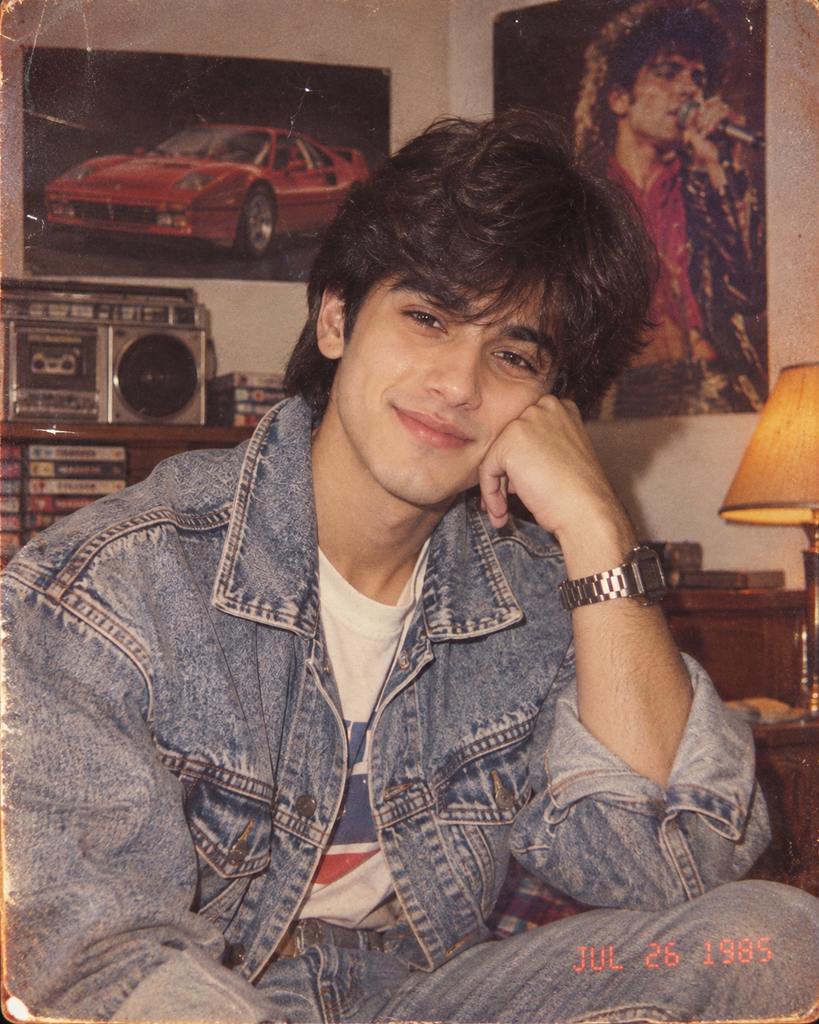
What Is the 1985 AI Photo Trend?
The idea is simple. You upload a normal photo of yourself to ChatGPT, paste a detailed prompt, and the AI recreates you as if you were photographed in the mid-1980s.
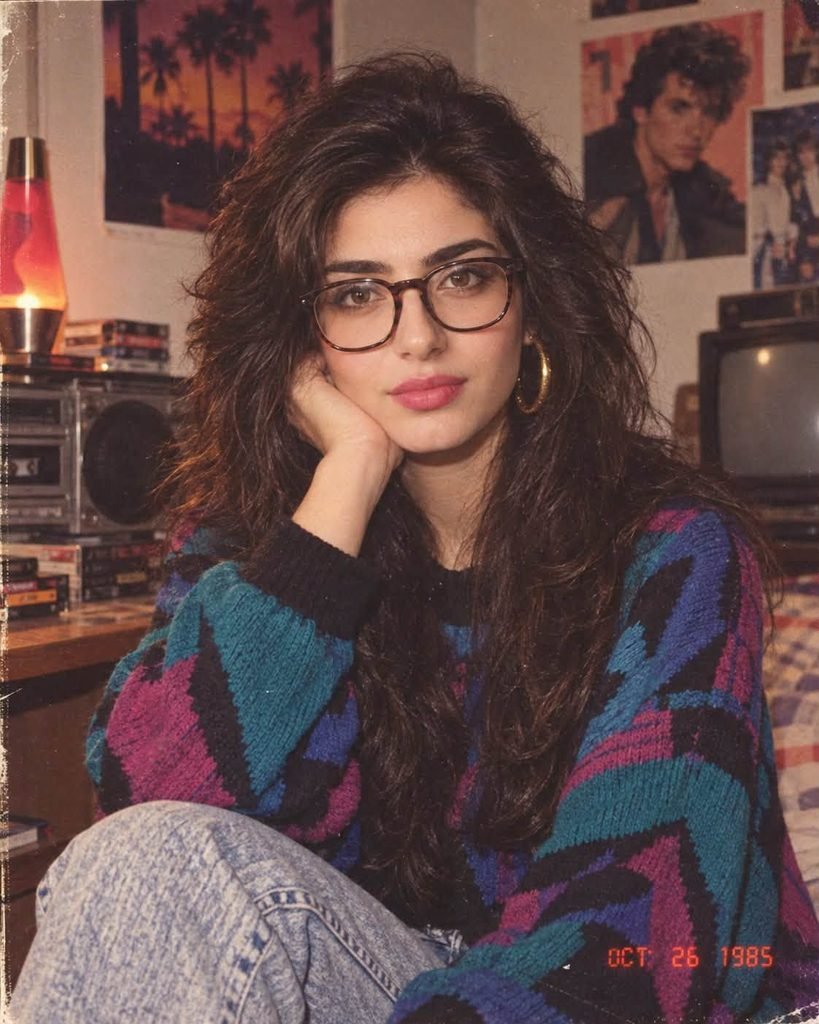
What makes this trend different from the usual “cartoon filter” stuff is the realism. A good result doesn’t just slap a retro filter on your picture. It changes your hairstyle, your clothes, and the background, and then makes the whole thing look like it was shot on an old film camera with a cheap flash.
The secret is in the prompt. A lazy prompt like “make me look 80s” gives you something that looks like a Halloween costume. A detailed prompt gives you something your parents might actually believe.
What You Need Before You Start
You don’t need anything fancy:
- A ChatGPT account. Image generation works on the free plan too, though free users get a limited number of images per day.
- One clear photo of yourself. Face the camera, use decent lighting, and avoid sunglasses or anything covering your face.
- The prompt below. Just copy and paste it.
A quick tip from experience: the photo you upload matters more than you’d think. A blurry selfie taken at night will give you a blurry 1985 version of a stranger. A clear, front-facing photo in daylight works best.
Step-by-Step: How to Create Your 1985 Photo
Step 1: Open ChatGPT on your phone or computer and start a new chat.
Step 2: Tap the + button and upload your photo.
Step 3: Copy the full prompt from the next section and paste it into the message box.
Step 4: Hit send and wait. It usually takes around a minute to generate.
Step 5: Download your image. If you’re not happy with it, don’t start over. Just reply in the same chat with what you want changed, for example: “Keep everything the same but make my hair bigger.”
That last step is where most people give up too early. The first result is rarely the best one. Two or three small tweaks usually get you something great.
Using my uploaded photo, show me what I would have looked like around 1985. Preserve my identity, facial features, skin tone, age, and recognizable appearance exactly as they are. Do not change my face shape, eyes, nose, or smile.

Reimagine my hair, clothing, accessories, and surroundings with bold, unmistakably mid-1980s styling: expressive silhouettes, statement accessories, layered details, distinctive colors, and textures. Think big voluminous hair, bright or pastel colors, oversized jackets with shoulder pads, denim, bold patterns, chunky watches or jewelry, and sunglasses resting on the head or collar if they fit the look.

Make it feel like a genuine 1985 photograph taken on a consumer film camera: visible analog film grain, slightly faded and warm colors, direct on-camera flash with harsh shadows behind me, and subtle softness in focus. The image should look like a real printed photo from a family album, not a modern digital photo with a filter.

Add a period-accurate 1985 background, such as a wood-paneled living room with a boxy CRT television, a patterned sofa, a cassette player, a rotary or corded phone, and period posters on the wall.

No text, no watermarks, no borders, and absolutely no modern objects like smartphones, flat-screen TVs, earbuds, or modern cars. Keep the image photorealistic, not cartoonish, painted, or illustrated. Use a vertical 4:5 frame, with me as the main subject from the waist up.
Why This Prompt Works So Well
Every part of this prompt has a job. Here’s what each section is doing:
“Preserve my identity…” is the most important line. Without it, AI tools love to “improve” your face, and you end up looking like a random model. Being very specific about face shape, eyes and nose makes a noticeable difference.
The styling section gives the AI concrete ideas instead of a vague “80s look.” Words like shoulder pads, denim and chunky watches point it toward the real fashion of that time.
The camera section is what makes the photo feel real. Old photos weren’t sharp. They had grain, the colors faded over the years, and the flash created that harsh shadow on the wall behind people. That’s exactly what we’re asking for.
The background section sells the whole thing. A 1985 outfit in a modern apartment looks fake instantly. A wooden wall and a bulky TV make your brain accept it.
The “no modern objects” line stops the AI from sneaking in a phone or a flat-screen TV, which happens more often than you’d expect.
Common Problems (and How to Fix Them)
“It doesn’t look like me.”
Reply with: “Keep my face exactly like my original photo. Only change hair, clothes and background.” If it still doesn’t work, try a clearer photo.
“It looks like a cartoon or painting.”
Reply with: “Make it photorealistic, like a real photo taken on a film camera in 1985.”
“It looks too clean and modern.”
Ask for “more film grain, more faded colors and a stronger direct flash.” That usually does the trick.
“The outfit is too much.”
Some results go full costume party. Just say: “Tone down the outfit so it looks like everyday 1985 clothing.”
Want to Try Other Decades?
Once you’ve done 1985, it’s hard to stop. You can reuse the same prompt and just swap out the year and the style details:
- 1975: Change the year and ask for flared pants, wide collars, earthy browns and oranges, and a warm, yellowish photo tone.
- 1995: Change the year and ask for baggy denim, flannel shirts, a disposable camera look and a date stamp in the corner.
- 1965: Change the year and ask for a black-and-white or soft color photo, neat hairstyles, and tailored suits or dresses.
A Quick Word on Privacy
Since you’re uploading a photo of your face, it’s worth taking ten seconds to think about it. Only upload your own photos, or photos of people who’ve said yes. If you’d rather your images weren’t used to improve the AI, check ChatGPT’s settings under Data Controls, where you can manage that option. And please don’t use prompts like this on photos of other people to make fake pictures of them. It’s a fun trend, so let’s keep it that way.
Frequently Asked Questions
Is this free?
Yes, you can do it on ChatGPT’s free plan, but there’s a daily limit on how many images you can generate. Paid plans allow more.
Can I use this prompt in other AI apps?
Yes. It works in most AI image tools that let you upload a photo, like Google Gemini. Results will look a little different in each one.
Why does my face change slightly every time?
AI recreates the image from scratch instead of editing your actual photo, so small differences are normal. The “preserve my identity” line keeps those changes to a minimum.
Can I do this with a group photo?
You can, but it’s harder for the AI to keep every face accurate. Single-person photos give much better results.
Final Thoughts
This is honestly one of the more fun AI trends I’ve tried in a while. It takes two minutes, costs nothing, and the results are great for a laugh with friends and family. Show one to your parents and see if they ask where you found the old photo.
Give the prompt a try, and if you get a good result, tag me on Instagram or TikTok at @techwithtaimoor. I’d genuinely love to see your 1985 look. And if you get stuck, drop a comment below and I’ll help you fix it.
1 thought on “How to See Yourself in 1985: The Viral ChatGPT 80s Photo Prompt”
Comments are closed.